01
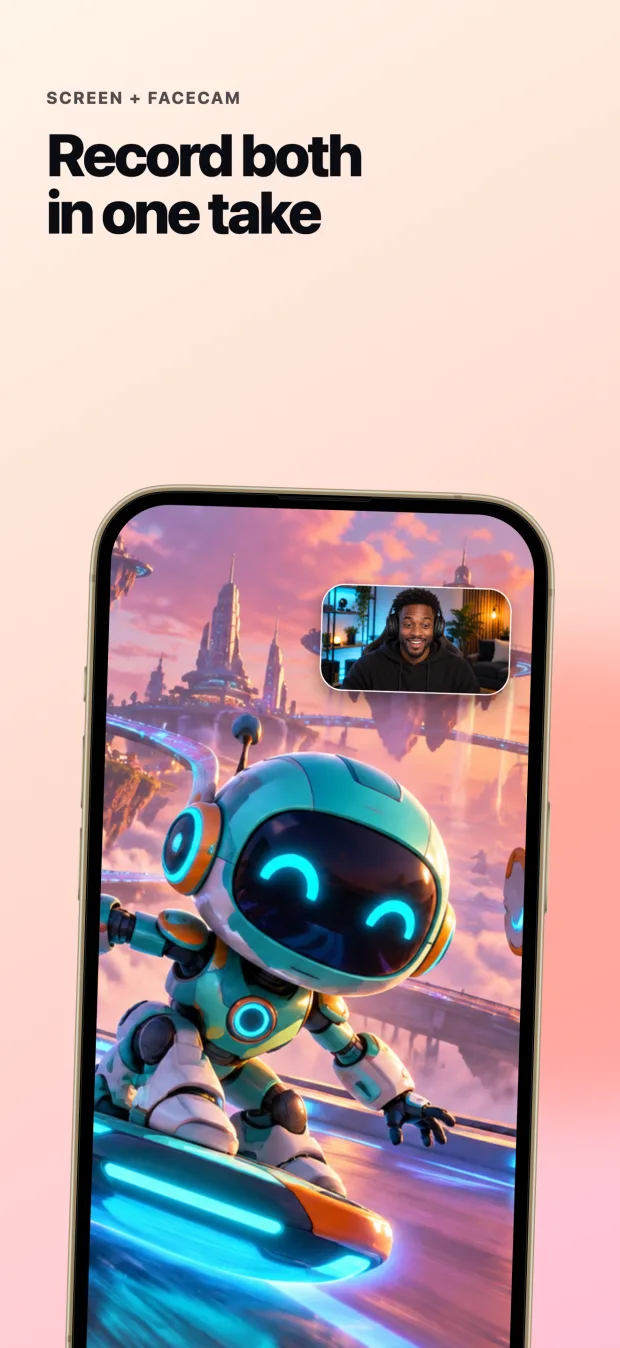
Record both
Capture the phone screen, app audio, microphone, and front camera in one recording session.
Screen + FaceCam · One take
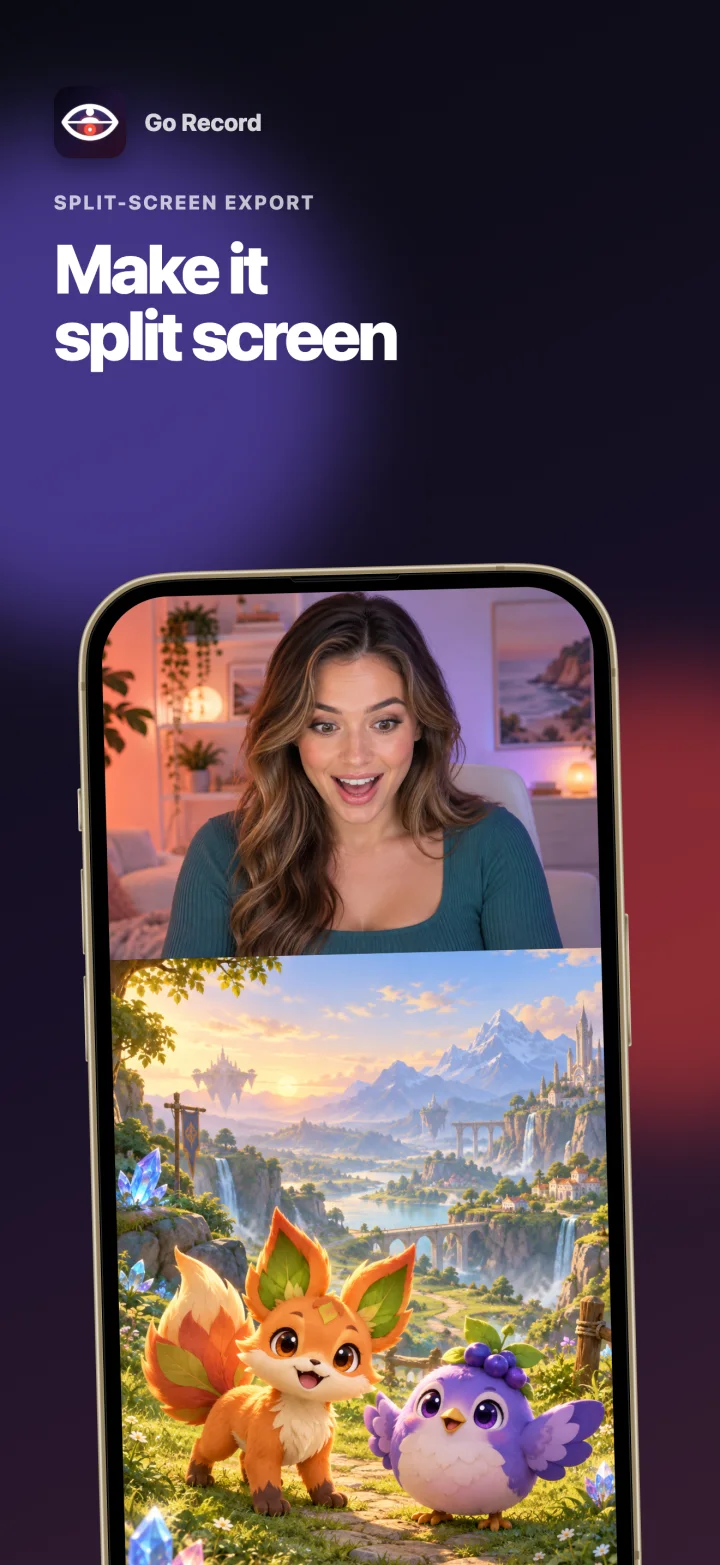
Finally, an iPhone screen recorder that captures your reaction at the same time—then turns the same take into a polished vertical split-screen video for you.
Your take, finished two ways
Move your FaceCam while you play. Keep the original picture-in-picture recording, or export it as split screen without filming everything again.
Capture the phone screen, app audio, microphone, and front camera in one recording session.
See the vertical layout before export and adjust the game crop, FaceCam height, and audio balance.
Export the original picture-in-picture take or a finished split-screen clip to Photos and your favorite apps.

Made for mobile reactions
Use Go Record for gameplay, app walkthroughs, tutorials, commentary, or any moment where the reaction belongs beside the screen.
Record your screen and front camera at the same time—without building the final layout by hand.